
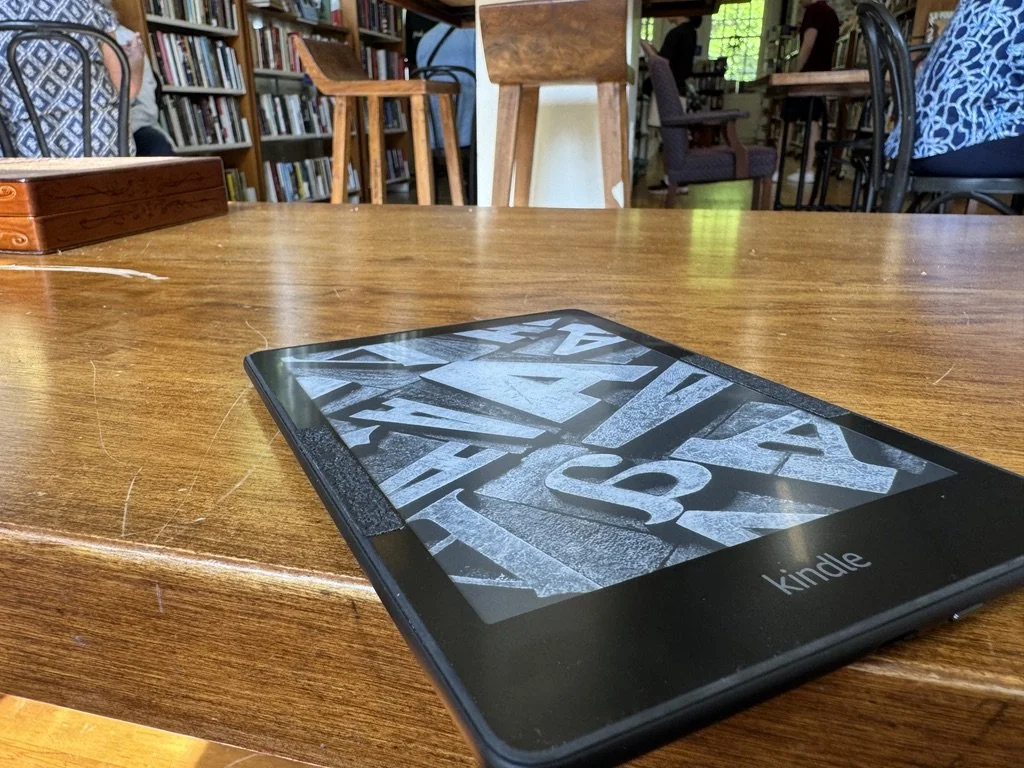
My Kindle Paperwhite is the Ultimate Travel Boredom Killer
Why I’d buy it again tomorrow
I judge every piece of electronics by the same standard: if it broke or got lost right now, how fast would I replace it?
My phone? Same day, no question.
My TV or iPad? They could wait a week or more. Nice to have, but not essential.
My Kindle Paperwhite? I’d order another one almost immediately.
That is probably the highest compliment I can give any piece of tech.
The Kindle Paperwhite has earned a permanent spot in my one-bag travel setup. It is the fourth or fifth Kindle I’ve owned since the original launched back in 2007. Nearly twenty years later, I still reach for one almost every time I leave the house.
Affiliate Disclosure: As an Amazon Associate I earn from qualifying purchases. This post contains affiliate links to products I personally use and recommend. If you click a link and make a purchase, I may receive a small commission at no extra cost to you. All opinions are my own based on real-world experience, daily use, and travel.
Shop the setup
If you already know you want a better travel reading setup, this is the exact combination I recommend:
Kindle Paperwhite for bright sun, long battery life, and real travel convenience
Matte screen protector to avoid scratches in your bag
Grip tape to make it easier to hold one-handed on flights, by the pool, or in bed
Why it passes the replace-it-now test
Reading is one of my favorite pastimes, so the Kindle has become essential for me. But what makes it indispensable for travel is simpler than that: it is boredom insurance.
A few years ago, I was on a long-haul flight to Asia. The seatback entertainment was completely broken. The plane was packed. There was nowhere to move, nothing to do, and a very long flight ahead. While everyone else stared into space for hour after hour, or hunted for downloaded content on their phones, I pulled out the Kindle and read for most of the trip.
Problem solved.
The same thing happens on cruises. On long days at sea, I pass the time reading on my Kindle.. By the pool in bright sun, the glare-free e-ink display is far better than a phone or tablet. Back in the cabin at night, the warm adjustable light lets me read without blasting the overhead lights and annoying my wife. t is small enough to slip into a back pocket while walking around the ship. When the weather is bad, and I’m stuck inside, I will grab a coffee and find a quiet place to sit. I have an entire library downloaded on my Kindle that doesn’t need a cellular signal, Wi-Fi, or even a charger.
That is the real appeal. The Kindle takes dead time and turns it into something enjoyable.
Why the Paperwhite beats a basic Kindle or iPad for travel
The screen works in real sunlight.
This is one of the biggest advantages. On a beach, at a pool, on a balcony, or next to an airplane window, the Paperwhite stays readable. That is not true of most phones and tablets.
The battery lasts long enough to stop thinking about it.
Amazon says the current Paperwhite can last up to 12 weeks on a charge, depending on use, and that matches the basic experience I care about: you charge it, throw it in your bag, and forget about it for at least a month.
It trains attention.
A phone invites distraction. An iPad feels like another glowing screen. The Paperwhite feels closer to reading and farther from scrolling.
It is light, simple, and purpose-built.
It slips into almost any bag, does one thing very well, and avoids the usual trap of trying to be everything.
Who should buy the Paperwhite
Buy it if:
You travel often
You read outside or by the pool
You want a device with battery life measured in weeks, not hours
You do not want your phone battery tied up with books
Skip it if:
You rarely read
You mainly want color magazines or comics
You are fine reading everything on your phone. For travel, I think the Paperwhite hits the sweet spot.
The little hacks that make it better
The Kindle is great out of the box, but a couple of small tweaks make it much better in real life.
The first is a screen protector.
I learned that the hard way after scratching one of mine by tossing it in a bag without enough protection. Since then, I think a matte anti-glare screen protector is mandatory. It protects the screen without ruining the reading experience.
The second is grip.
The back of the Kindle can feel a little slick, especially if you are reading one-handed, dealing with turbulence, or reading outside, where your hands can be slick. My solution was a strip of matte black rubberized grip tape on either side of the screen and on the back. It is similar to the grip tape that you would put on a skateboard deck, but with a softer, rubbery feel. It adds just enough texture to make the device feel more secure in the hand.
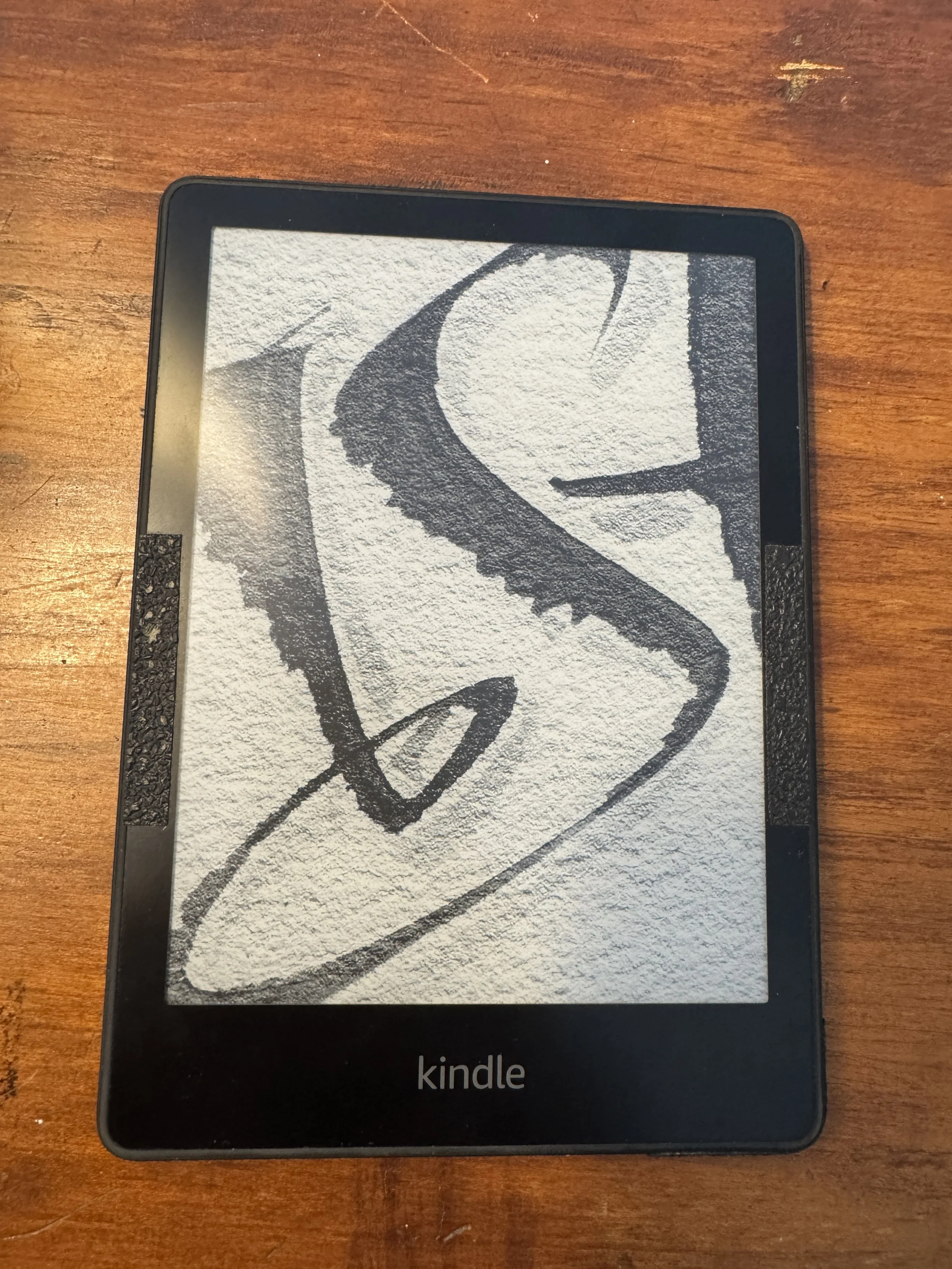
Grip tape on both sides of the screen
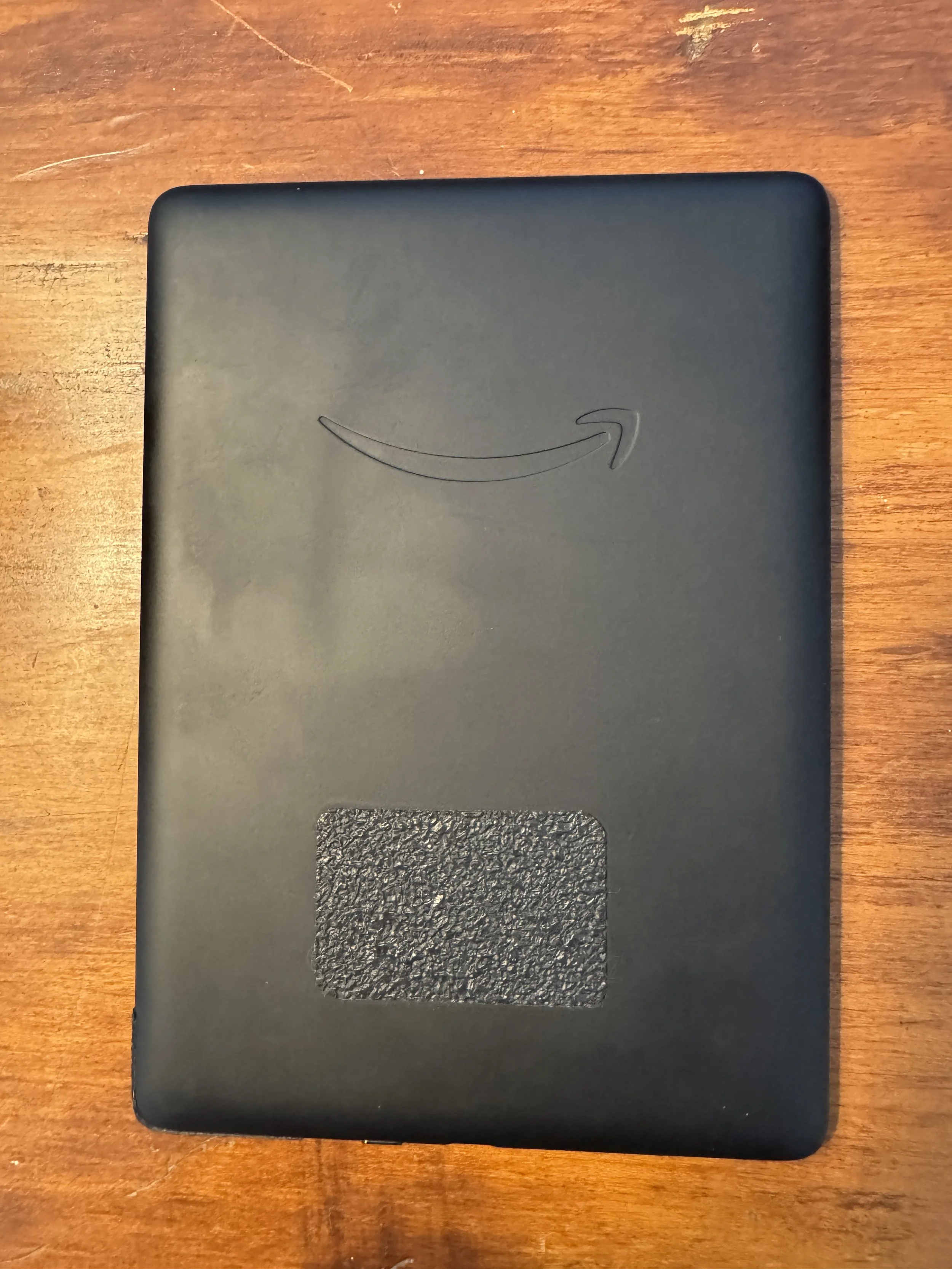
Grip tape added to the back of the kindle
The third is syncing.
Amazon’s Sync feature lets you move between Kindle devices and apps, and Amazon’s Whispersync for Voice supports switching between reading and listening for eligible titles. In practice, that means I can listen to an audiobook in the car, pick up the Kindle later, and jump back in without hunting for my place. It does require an internet connection to sync, but that is easy enough to handle with Wi-Fi or a phone hotspot.
And if I ever forget the Kindle at home, the Kindle app on my phone is a solid backup. I still prefer the dedicated device, but it is nice to know the book comes with me either way.
Bottom line
The Kindle Paperwhite is not flashy. That is part of its appeal.
It is a quiet, reliable tool that does one job extremely well: it gives me a better option whenever travel turns into waiting, delays, boredom, or downtime.
Broken airplane screen. Slow afternoon by the pool. Rainy sea day. Airport delay. Early morning hotel room. It handles all of it.
If something happened to mine today, I would buy another one tomorrow.
That is how I know it has earned its place in the bag.
The exact setup I’d buy again
1. Kindle Paperwhite
This is the one to buy if you want a travel reader that works in bright sun, lasts for weeks, and disappears into your bag until you need it.
Best for: travelers, readers, cruisers, frequent flyers, and anyone who hates killing phone battery on books
2. Matte anti-glare screen protector
I learned this one the hard way. A screen protector is cheap insurance against scratches, especially if you throw your Kindle into a bag with cables, pens, and random gear.
3. Grip tape
This is the small mod that makes the Kindle better in real life. It gives you a more secure hold when reading one-handed, in turbulence, or anywhere your hands are a little slick.
My recommendation
If you are only buying one thing, start with the Paperwhite.
If you are buying the full setup, get all three and be done with it.
Read this next
If you like gear that quietly does its job for years, read my review of the Casio GW-M5610. It lives in the same category for me: unglamorous, dependable, and absolutely worth having.
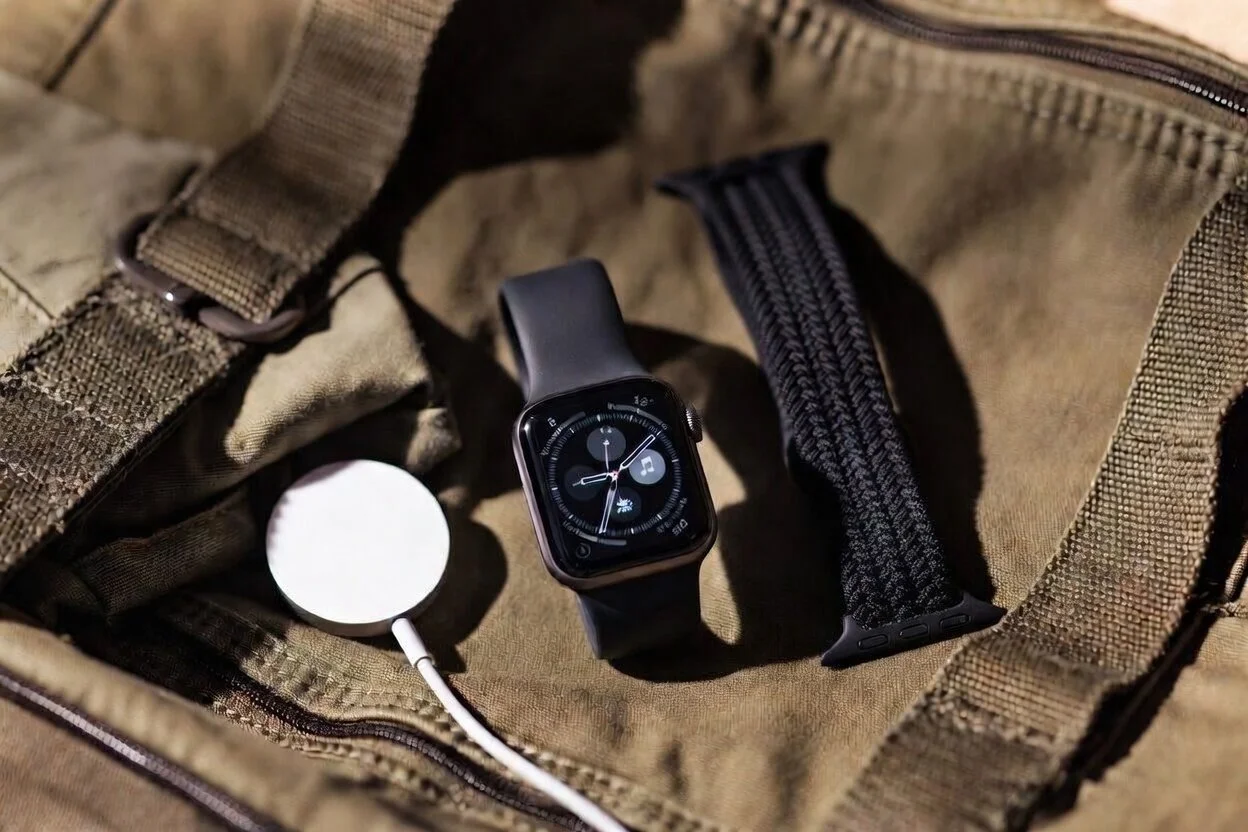

After five years with the Casio GW-M5610U, this small solar atomic G-Shock has become my answer to the one-watch-for-life question. Honest review from real travel and daily wear.